
Paisa X Go Withdraw Guide 2026
Move your winnings to EasyPaisa, JazzCash or USDT and fix pending or rejected withdrawal requests.
- EasyPaisa
- JazzCash
- USDT

Paisa X Go withdraw lets you move your winnings from the game wallet to EasyPaisa, JazzCash or a USDT wallet. Most requests are completed within a few hours, but a first withdrawal or a bonus rule can slow things down. This guide covers the exact steps, the rules to check first, and fixes for pending or rejected withdrawals.

Before You Withdraw: 4 Things to Check
- Bind the right account. Your EasyPaisa or JazzCash account name must match the name in your Paisa X Go profile.
- Finish bonus turnover. If you claimed a bonus, you may need to bet a certain amount before cash-out.
- Set a transaction password. Many apps ask for a separate withdrawal password.
- Check the minimum amount. The current minimum is shown on the withdraw screen.
How to Withdraw Money from Paisa X Go
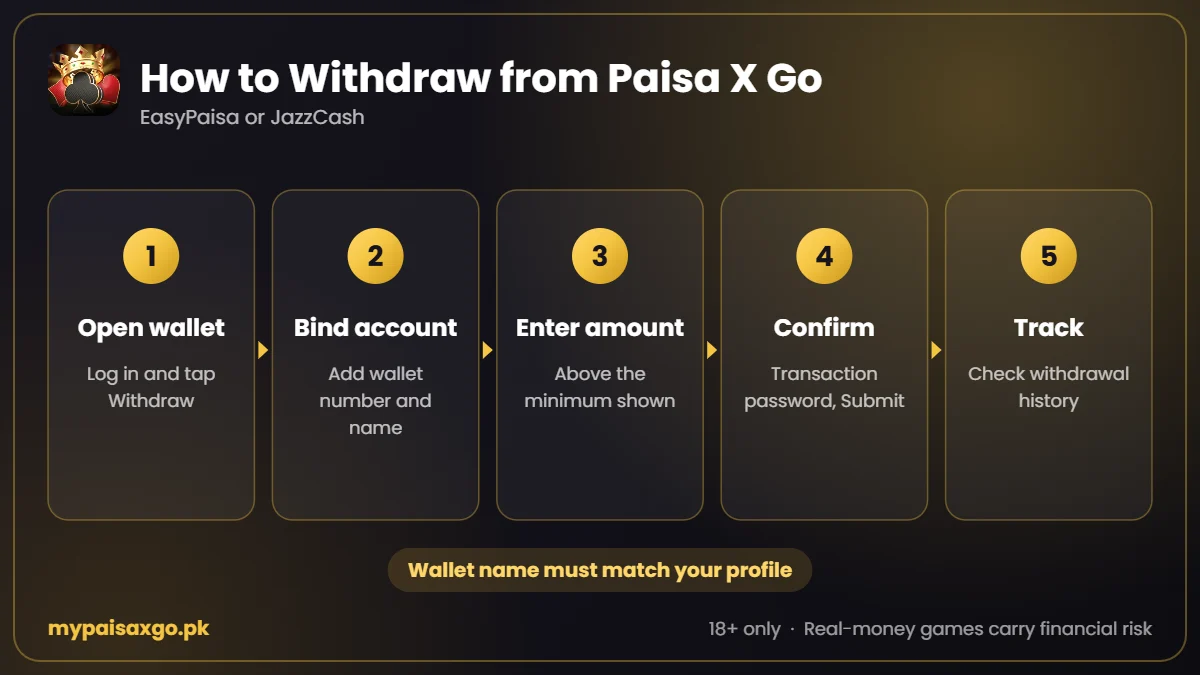
- Complete your Paisa X Go login and open the wallet.
- Tap Withdraw.
- Tap Add account or Bind account and add your EasyPaisa or JazzCash number and name.
- Enter the amount you want to cash out.
- Enter your transaction password if asked.
- Recheck the number and name, then tap Submit.
- Track the request in Withdrawal history until it shows as completed.
Paisa X Go Withdraw Methods and Time
| Method | Usual time | Tip |
|---|---|---|
| EasyPaisa | A few minutes to a few hours | Use a wallet registered on your own CNIC |
| JazzCash | A few minutes to a few hours | Name must match your profile exactly |
| USDT | Depends on network | Copy the address carefully and match the network |
| First withdrawal | Up to 24 hours | Account checks can take longer the first time |
Why Is My Paisa X Go Withdrawal Pending or Rejected?
| Reason | Fix |
|---|---|
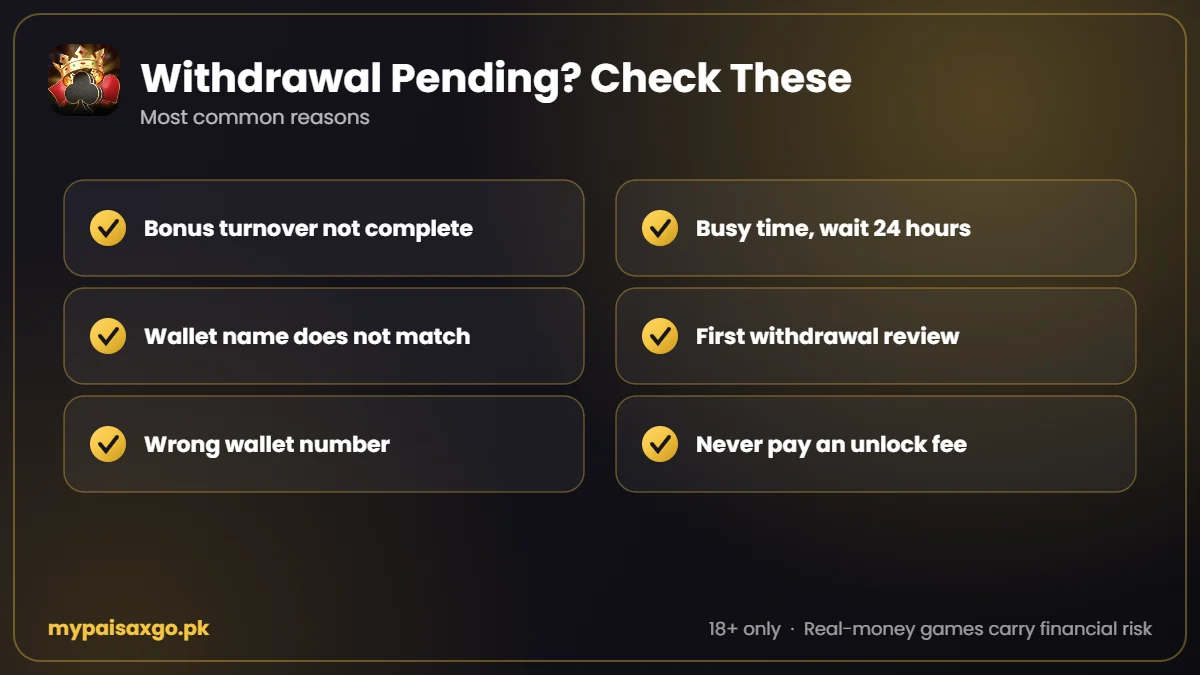
| Bonus turnover not complete | Finish the turnover shown in the bonus page, then try again |
| Name mismatch | Rebind the wallet using the exact name on the wallet account |
| Wrong wallet number | Cancel if possible and submit again with the right number |
| Busy time (weekends, nights) | Wait up to 24 hours before contacting support |
| Account under review | Reply to support with any details they ask for inside the app |
If the money still has not arrived after 24 hours, take a screenshot of the request (amount, time, order ID) and contact in-app support. Never pay anyone an “unlock fee” to release a withdrawal. That is a common scam.
Smart Withdrawal Habits
- Withdraw part of every win instead of playing it all again.
- Keep your login password and transaction password different.
- Do not change your bound wallet often; it can trigger extra checks.
- Keep records of deposits and withdrawals for your own budget.
Related Guides
Need to add balance first? Read the Paisa X Go deposit guide. New player? Download the APK and create an account. For games, bonuses and tips, see the My Paisa X Go home page.
FAQs
How do I withdraw money from Paisa X Go?
Open the wallet, tap Withdraw, bind your EasyPaisa or JazzCash account, enter the amount and submit.
How long does a Paisa X Go withdrawal take?
Usually a few minutes to a few hours. A first withdrawal or busy times can take up to 24 hours.
Why was my Paisa X Go withdrawal rejected?
The most common reasons are a name mismatch with your wallet or unfinished bonus turnover.
Can I withdraw Paisa X Go bonus money?
Only after you complete the bonus turnover rules shown in the app.