
Paisa X Go Register Guide 2026
Create your free Paisa X Go account in about two minutes with your mobile number and OTP.
- Free Sign Up
- OTP Verify
- Invite Code

Paisa X Go register process is free and takes about two minutes. You only need an active Pakistani mobile number and an OTP. This Paisa X Go register guide shows how to sign up, which details to use, how invite codes work, and what to do if registration fails.

What You Need for Paisa X Go Registration
| Item | Why it matters |
|---|---|
| Android phone (5.0+) | The Paisa X Go app runs on Android |
| Active SIM | You receive the OTP on this number |
| Same number as your EasyPaisa or JazzCash | Makes withdrawals faster and avoids name mismatch |
| Strong password | Protects your balance |
| Invite code (optional) | Links you to the friend who invited you |
If you have not installed the app yet, get it first from our Paisa X Go APK download guide.
How to Register on Paisa X Go (Step by Step)
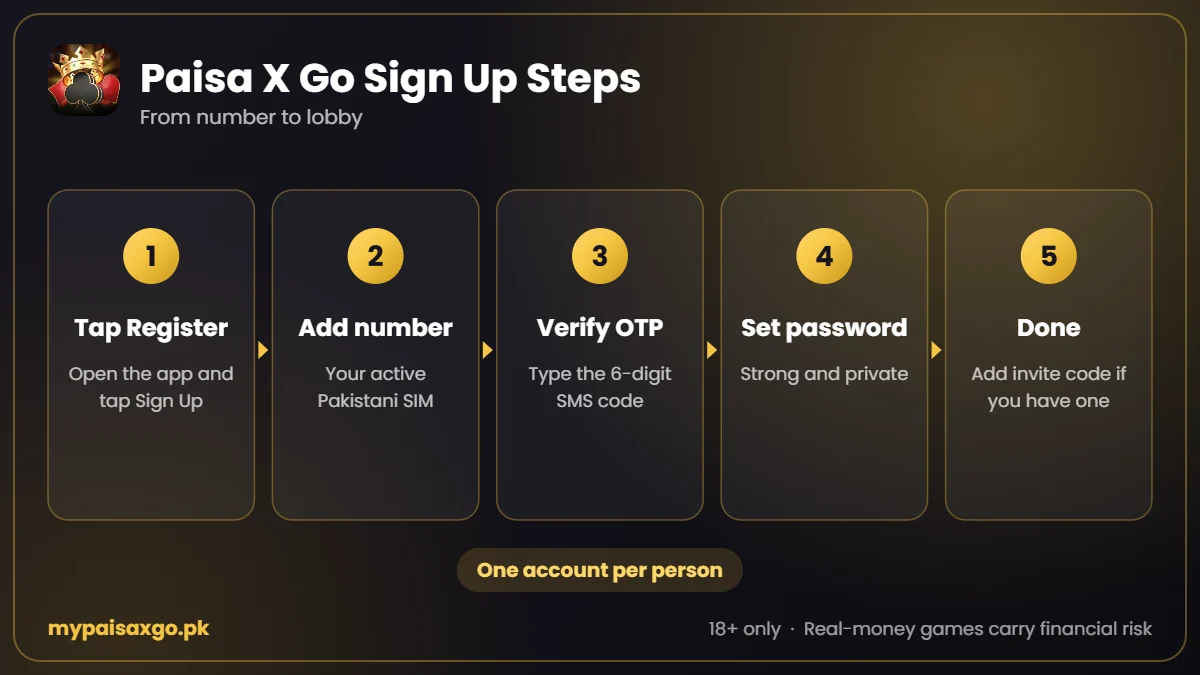
- Open the Paisa X Go app and tap Register or Sign Up.
- Enter your active Pakistani mobile number.
- Tap Send OTP. A six-digit code arrives by SMS within a minute.
- Type the OTP in the verification box.
- Create a strong password and type it again to confirm.
- Add an invite or referral code if a friend gave you one. You can skip this.
- Read the terms, confirm you are 18 or older, and tap Register.
- Your Paisa X Go account opens in the game lobby, ready to use.
Paisa X Go Register Tips for a Smooth Sign Up
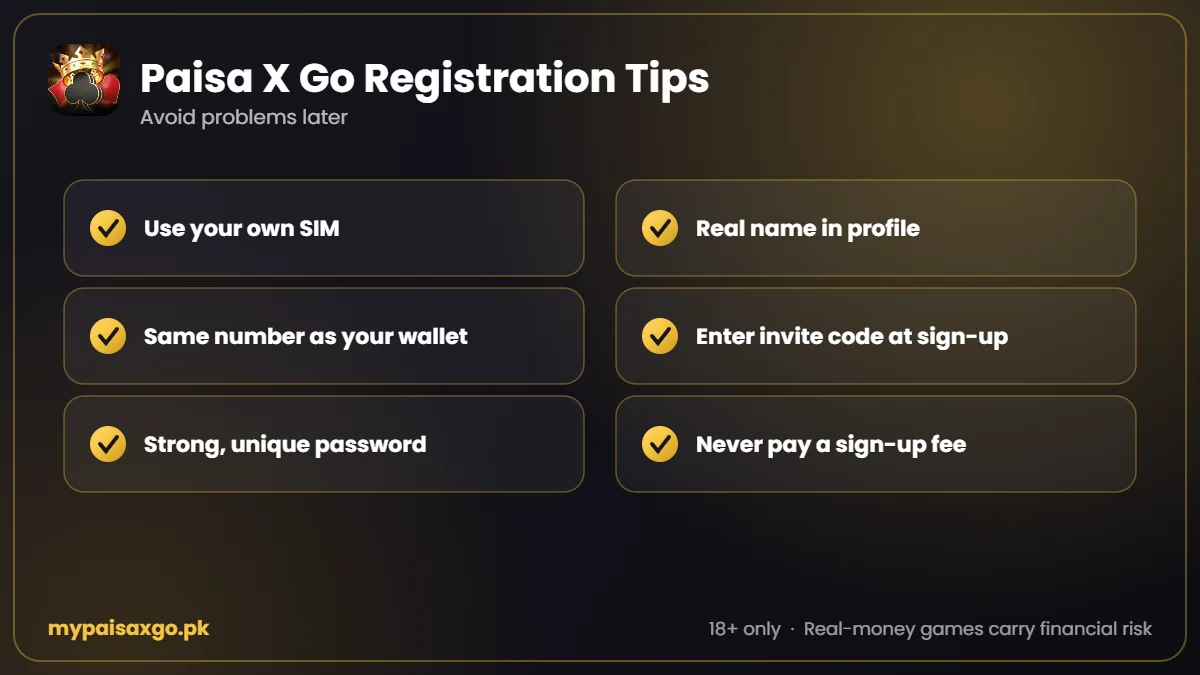
- Use your own number. Accounts on someone else’s SIM are hard to recover.
- Save your password somewhere safe, or in a password manager.
- Add your real name in the profile, matching your wallet name, before your first withdrawal.
- Do not register again if the OTP is slow. Wait and resend once.
Paisa X Go Invite Code: How It Works
Every account gets its own invite link and code after registration. When a new player signs up with your code and plays, you can earn referral commission. If someone invited you, enter their code during sign-up, because many apps do not allow adding it later. Rules and commission rates change, so check the Invite or Refer section inside the app.
Paisa X Go Register Problems and Fixes
| Problem | Fix |
|---|---|
| “Number already registered” | You already have an account. Use Paisa X Go login or Forgot Password |
| OTP not received | Check signal, turn off DND, wait 60 seconds and resend |
| “Invalid invite code” | Check spelling and capital letters, or skip the code |
| Register button not working | Update to the latest APK and restart the app |
| App asks for an ID photo or a fee | Stop. Paisa X Go sign-up is free; this may be a fake app |
What to Do After You Register
After the Paisa X Go register steps, complete your profile and set a transaction password if the app asks for one. Then make your first deposit with a small amount, check the welcome reward rules, and learn how to withdraw money before you play big. For game lists and tips, read the full guide on the home page.
FAQs
Is Paisa X Go registration free?
Yes. Creating a Paisa X Go account is free. You only pay when you choose to deposit.
Can I register on Paisa X Go without a mobile number?
No. A mobile number is needed to receive the OTP and to recover your account later.
Can I make two Paisa X Go accounts?
Use only one account per person. Duplicate accounts can lose bonuses or get blocked.
Where do I enter a Paisa X Go invite code?
In the invite or referral code box on the sign-up screen, before you tap Register.