
Paisa X Go for PC 2026
Play Paisa X Go on a Windows laptop or desktop using an Android emulator like BlueStacks or LDPlayer.
- BlueStacks
- LDPlayer
- Windows 10/11

Paisa X Go for PC is not a separate Windows app. The game is made for Android, so on a laptop or desktop you run the same Paisa X Go APK inside an Android emulator. This guide shows the best emulators, the install steps, recommended PC specs and fixes for common emulator problems.

Can You Play Paisa X Go for PC?
Yes. An Android emulator creates a virtual Android phone on Windows or macOS. You install the Paisa X Go APK in it exactly like on a phone, then log in with the same account. Your balance, history and rewards are the same on phone and PC.
Best Emulators for Paisa X Go for PC
| Emulator | Good for | Notes |
|---|---|---|
| BlueStacks | Most Windows PCs | Easy drag-and-drop APK install |
| LDPlayer | Low and mid-range PCs | Light and fast for casual games |
| MEmu Play | Older laptops | Simple settings |
| NoxPlayer | Windows and Mac | Good keyboard mapping |
Download any emulator only from its official website.
How to Install Paisa X Go on PC (Step by Step)
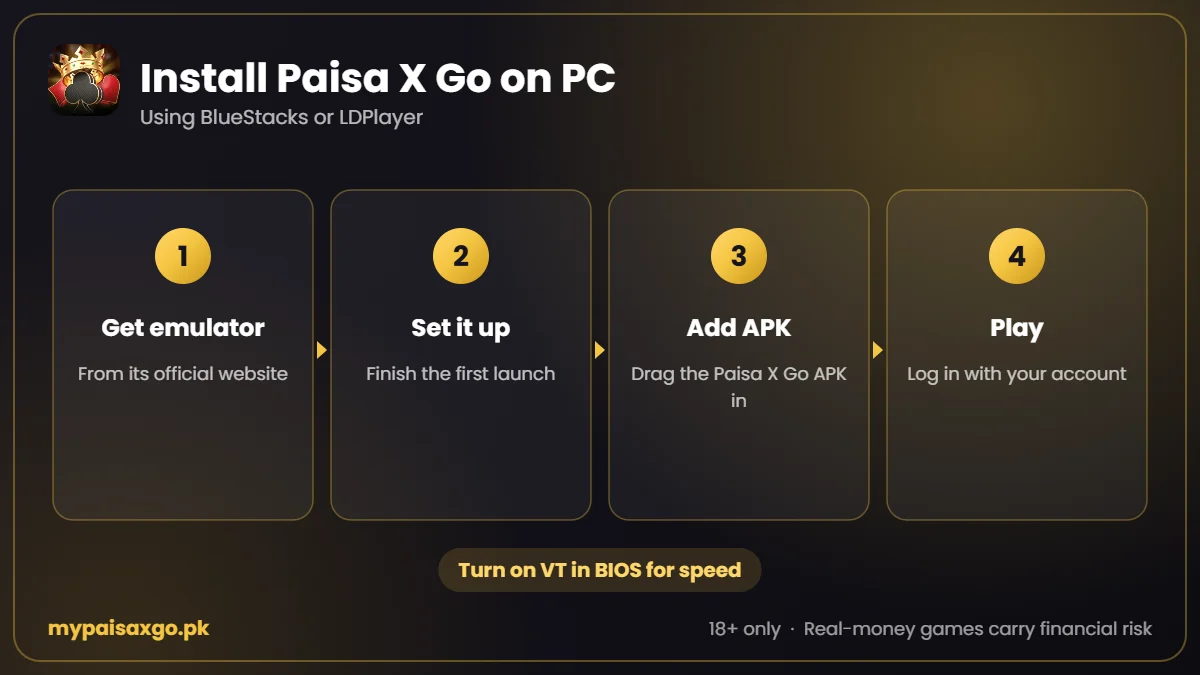
- Download and install an emulator such as BlueStacks or LDPlayer from its official site.
- Open the emulator and finish the first setup.
- Download the Paisa X Go APK on your PC from our download page.
- Drag the APK file into the emulator window, or use the Install APK button.
- Wait for the install to finish and open Paisa X Go from the emulator home screen.
- Log in with your account or register a new one.
Paisa X Go for PC Requirements
| Part | Minimum | Better |
|---|---|---|
| Operating system | Windows 10 | Windows 11 |
| RAM | 4 GB | 8 GB |
| Free storage | 5 GB (for emulator) | 10 GB SSD |
| Processor | Dual-core with virtualization | Quad-core |
| Internet | Stable broadband | Wi-Fi or cable |
Tips for Playing Paisa X Go on a Laptop
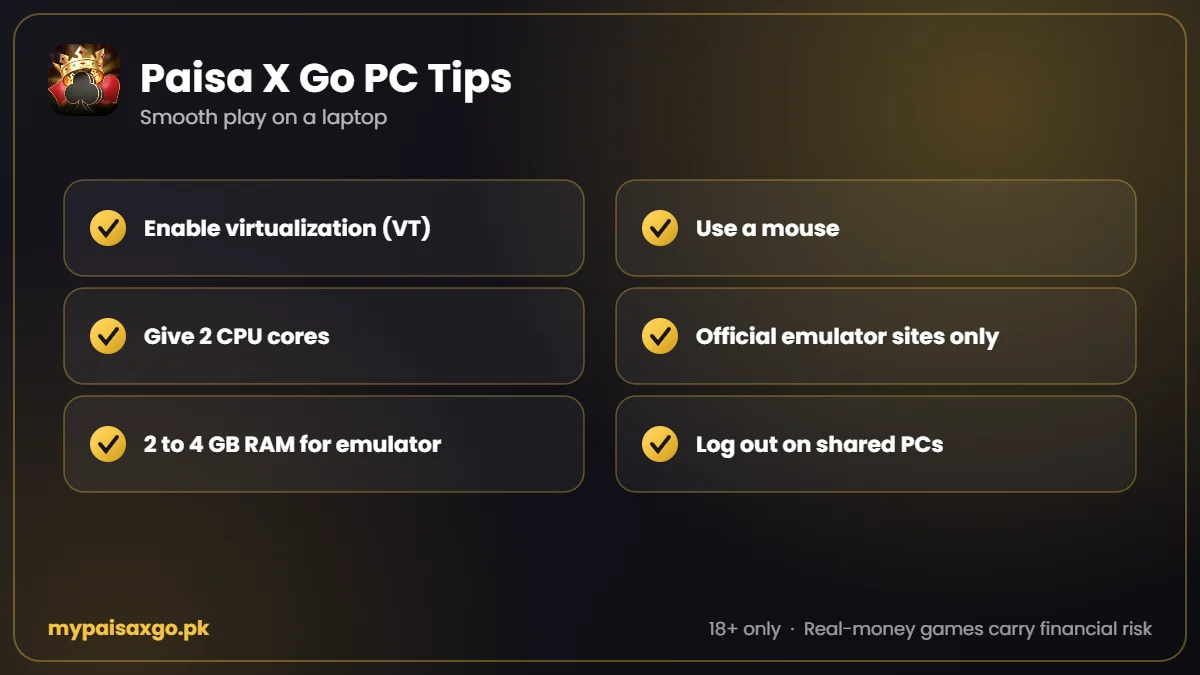
- Turn on Virtualization (VT) in BIOS for much better emulator speed.
- Give the emulator 2 CPU cores and 2 to 4 GB RAM in its settings.
- Use a mouse for slots and card games; it is faster than a touchpad.
- Log out when you use a shared or office computer.
Paisa X Go for PC Problems and Fixes
| Problem | Fix |
|---|---|
| Emulator very slow | Enable VT in BIOS and close heavy apps |
| APK will not install | Download the APK again; check it is about 6.7 MB |
| Black screen in game | Switch the emulator graphics mode (DirectX or OpenGL) |
| Login OTP needed | The OTP comes on your phone SIM; type it in the emulator |
Related Guides
Want to use your phone instead? Follow the Paisa X Go download guide. iPhone user? Read Paisa X Go for iOS. For deposits and withdrawals, see the deposit and withdraw guides, or the full review on the home page.
FAQs
Is there an official Paisa X Go PC app?
No. Paisa X Go is an Android app, so on PC you run it inside an Android emulator.
Which emulator is best for Paisa X Go?
BlueStacks works on most PCs; LDPlayer is lighter for low-end laptops.
Can I use the same account on phone and PC?
Yes. Log in with the same number and password; your balance is the same everywhere.
Why is Paisa X Go slow on my PC?
Usually because virtualization (VT) is off or the emulator has too little RAM. Enable VT and give it more RAM.